Machine learning to elevate Nike Design
Four tools with one job: give designers back their time.
- Client
- Nike · Digital Product Creation
- Studio
- Siberia
- Role
- Design & Strategy
- Year
- 2017
- Disciplines
- Product StrategyMachine LearningComputer VisionDesign ToolingPrototyping
In 2017, Nike Digital Product Creation asked Siberia a large question: how could machine learning elevate the way Nike designs? We answered with one brief and four tools. Muse for inspiration, Flow for iteration, Assist for the busywork in between and Frame for output, each mapped to a stage of the design cycle and each judged by a single measure: how much time it hands back to the designer. The work ran from designer interviews through a field of ideas to concepts, product renders and a five-year rollout.
At Nike, design can create anything, except more time to create.
So the brief became one question: how do we use machine learning to give designers more time to design?
Not where to add AI. Where the time goes.
Digital Product Creation was young, ambitious and certain that software would remake the studio. It wanted to know what machine learning could do for design, and in 2017 that question had no obvious answer.
The easy framing was a list of places to bolt on a model. We refused it. The thing designers never have enough of is time to design, and every idea would answer to that.
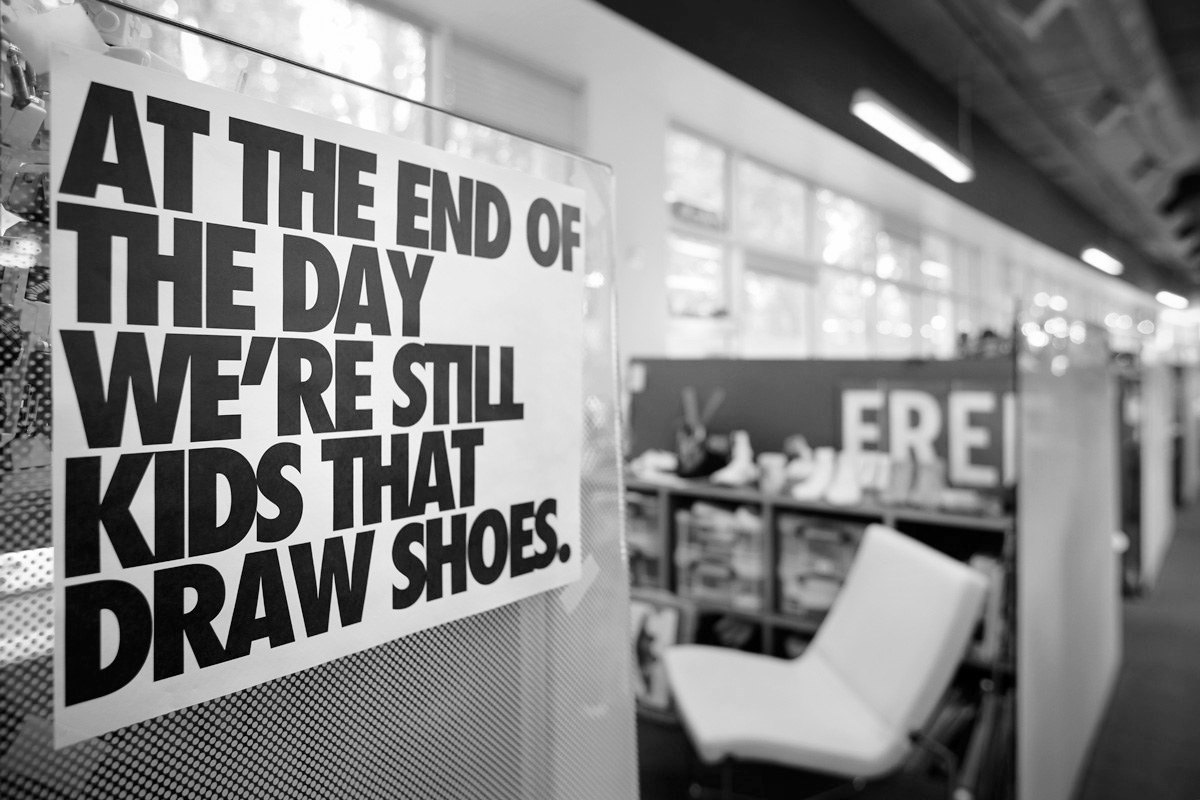
The rules came before the ideas.
Four principles, written before a single concept. Every idea had to pass all four, and the most impressive demo in the room was out the moment it broke one.
- 01Tools for designers, not replacementsMachine learning works for the designer. It never stands in for them.
- 02Inspire, don't directWiden what a designer can see. Never tell them what to make.
- 03Fit the workflowMeet designers where they already work instead of mandating a new process.
- 04Remove frictionEvery tool has to take work away. None of them can add it.
Three designers. One cycle.
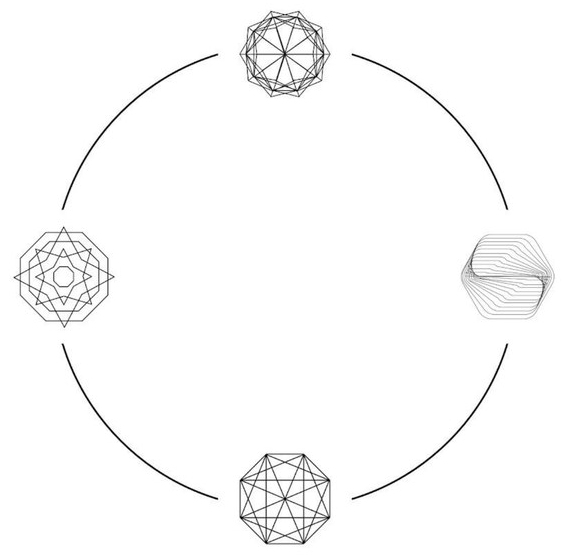
We built for three kinds of designer, from the veteran who trusts nothing new on sight to a coming generation that has never known an analog studio. Their tools could not be the anchor: they vary too much and change too often. Underneath all three runs the same cycle of inspiration, iteration and output, so we built on the cycle.
The Traditional Designer
Has perfected a personal process over years, works in pen and paper, and is hard to convince on new methods. Believes hours spent equals great design.
The Modern Designer
Not tied to any one process. Treats every new tool as worth exploring and is always looking for a faster way to the work.
The Coming Generation
Probably not designing shoes professionally yet, and has never known a studio that wasn't digital. Widely open to new platforms.
We asked designers where the time goes.
Interviews with Nike designers found the friction at every stage of the cycle: the same references traveling wall to wall, a hunger for something no one else had seen, and an overhead of meetings, scheduling and tech packs between the idea and the work. Each cluster of answers became a question for the work to answer.
- “60% of the images on all the moodboards are the same.”
- “I want to find images nobody else is seeing.”
Can we deliver unique inspiration to each designer?
- “This image is crafted from multiple sources.”
- “Find more time and new ways to find new inspiration.”
Can we find new and unexpected routes to inspiration?
- “Need to streamline organization: meetings, emails.”
- “I don't have templates for tech packs.”
Can we simplify the workflow and cut the overhead?
60% of the images on every moodboard were the same.
Everyone was drawing from the same well.
Thirty-eight ideas, narrowed to four.
The three questions opened a wide field, sorted by how soon each idea could ship: immediate, near future and long term. We kept the ideas that gave the most time back and they converged into four tools, one for each stage of the cycle. Pick a tool to see where it came from.
Immediate
- Random moodboard generationMuse
- Mood boarding and research inspirationMuse
- Inspiration search beyond images: readings, sites, colorsMuse
- Content intake and learningMuse
- Shape and pattern recognition and suggestion
- Image-based inspiration searchMuse
- Internal shared image database that recommends
- Quick polling for feedback from peers
- Ephemeral image sharing
- Augment the shared image pool from what is in it
- Image search by geolocation
- Caching of the design processFlow
- Version control plugin for IllustratorFlow
- Line tweening recommendationsFlow
- Image recognition and taggingMuse
- Digitize design feedbackAssist
- Schedule Game Plan milestones automaticallyAssist
Near future
- Blend multiple images (Deep Dream, style transfer)Muse
- Inspiration from athlete stories
- Flag similar designs from other designers
- Historical design reference
- Line tweening in flatsFlow
- Complete material library for Illustrator
- Auto-generate and scale shoes across sizes
- Generate tech packs
- Search against non-Nike designs
- Design status tracker for Game PlanAssist
- Zeplin for shoe design
- Learn work habits to help manage the dayAssist
Long term
- Intelligent DNA search by image
- Tinker/Jordan toggle: "do the opposite"
- Convert 2D sketches to 3D modelsFrame
- Project designs onto a lastFrame
- Get to know each designer's styleFlow
- Flag issues from feedback before reviewAssist
- Identify performance issues in a design
- Analyze Game Plan to optimize the process
- Performance metrics: returns, sales
Four tools. One cycle. Every one judged by the time it gives back.
Inspiration that belongs to one designer.
Muse is an inspiration and discovery tool. It learns what moves each designer, pulls from the sources they choose and from places they didn't know to look, then sorts and categorizes everything as it arrives, so the right reference surfaces before they knew they needed it.
Its core goes further than search. Muse generates imagery that has never existed, giving every designer a gallery no one else in the building is drawing from.
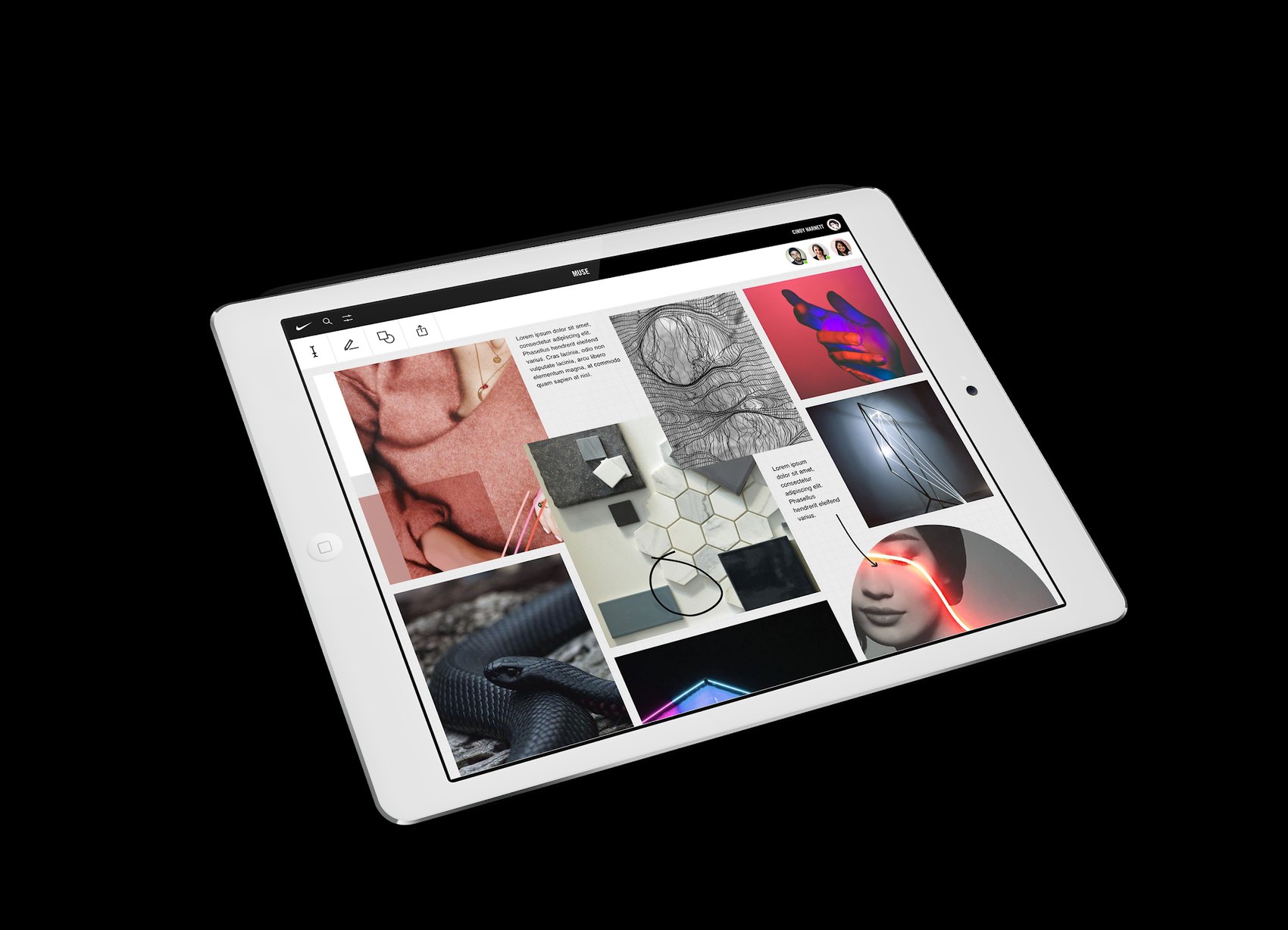
- Always learningKnows what inspires you and finds it first.
- Yours, or the team'sKeep a board private or share it. Your call.
- Sorted on arrivalMachine-learned categories you help define.
- Generated inspirationNew imagery, unique to each designer.
The engine: two images in, one that never existed out.
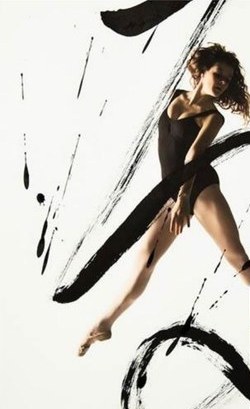
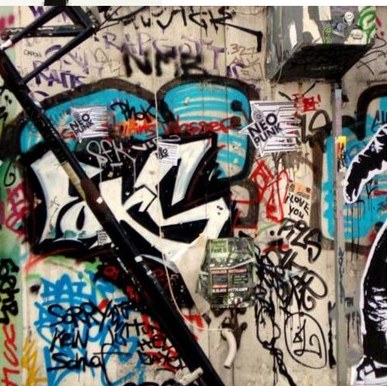
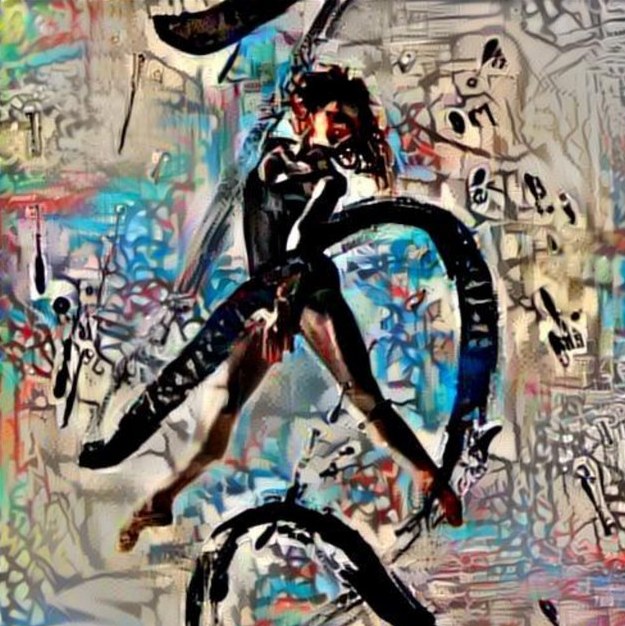
Muse's core is a DeepStyle network, a form of neural style transfer that was new in 2017. The network separates what an image shows from how it looks, then repaints one in the other. Feed it a dancer and a wall of graffiti and it returns the dancer in the language of the wall: not a search result, a generation, and a reference no other designer has.
A digital studio built for the sneaker.
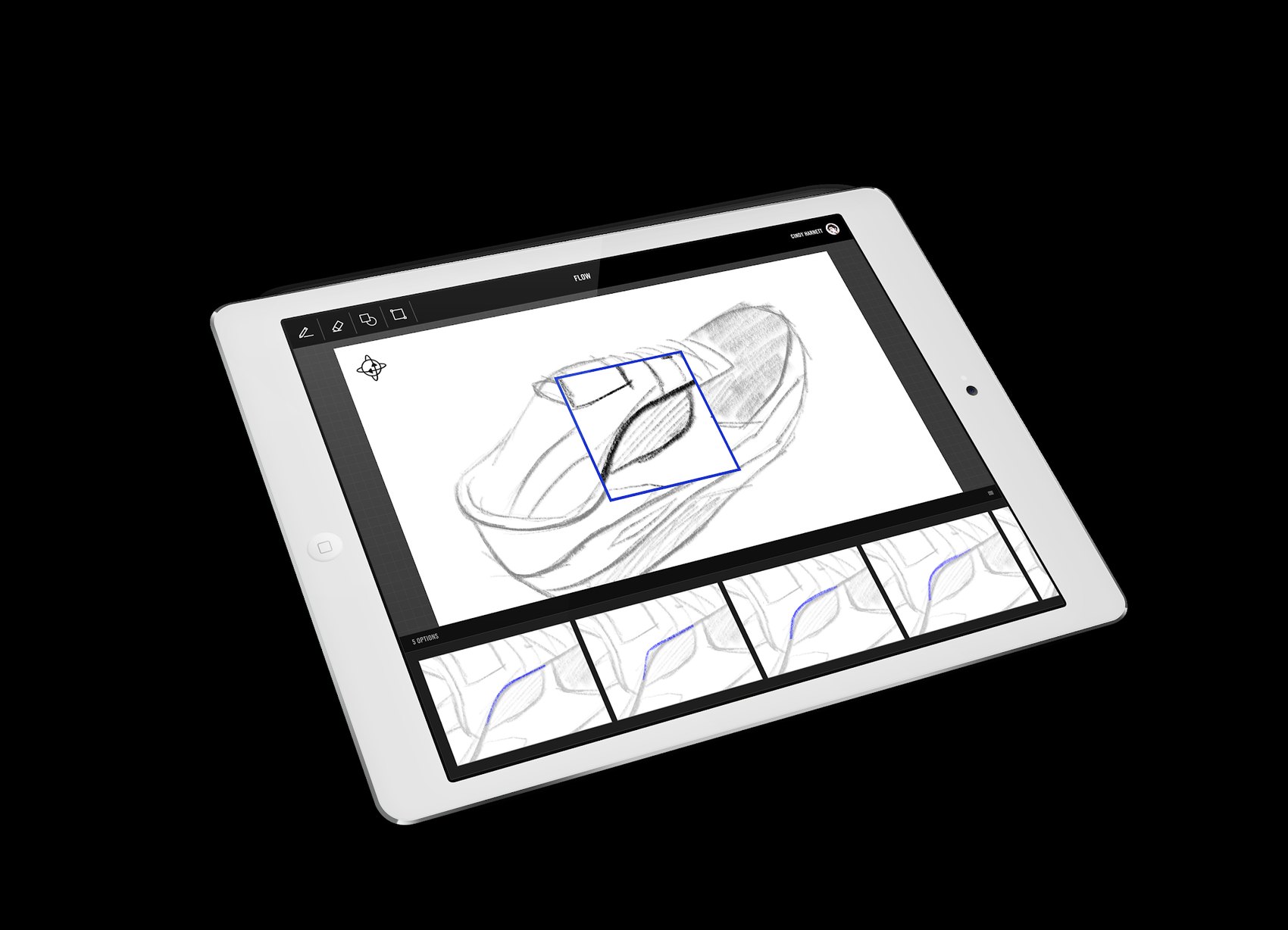
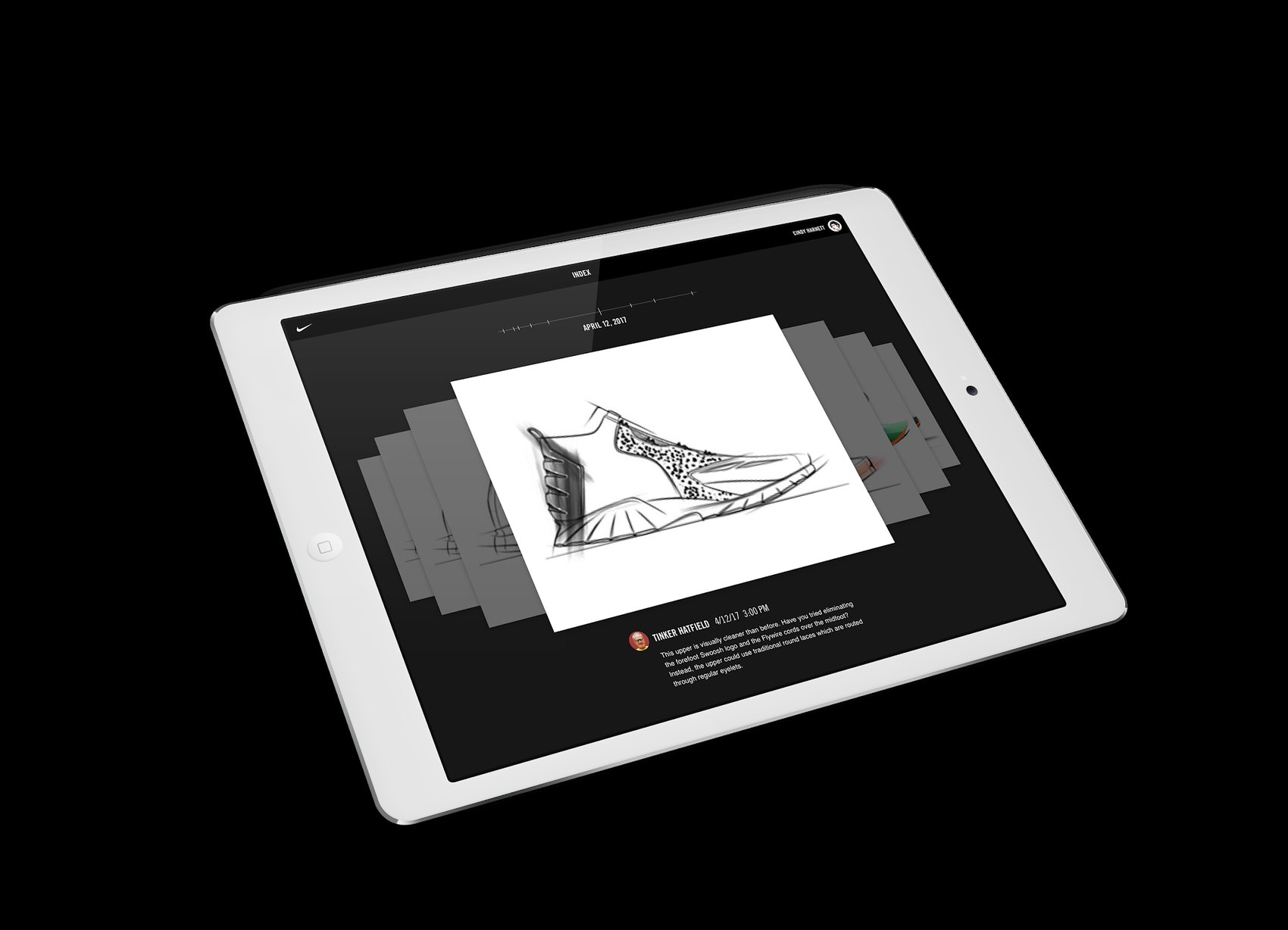
Flow is a sketching tool that records every stroke. A designer's whole history is a tap away, every version is kept, and any route can be branched and compared without duplicating files to try an idea.
When a designer stalls, Flow offers permutations of the line they are drawing, learned from their own past work and from Nike DNA. Radical when they want a push, subtle when they want a variation. Playback turns a review into the story of how a design was reached.
- Digital sketchingIdeas over execution, fully digital.
- PlaybackShow the routes tried and how you got here.
- Version controlEvery version kept. Branch, compare, return.
- Suggestive designLine permutations from your own hand.
The work that isn't design, handled.
Assist keeps the design triad on schedule so designers can stay on the work. It reads a brief and leadership's inspiration points and turns them into starting moodboards, ready in Flow.
Busy sketching something hot? Assist clears and reschedules the afternoon. Over time it learns how each designer works and shapes the day around it, while pre-flight reviews and digital feedback cut the meetings in between.
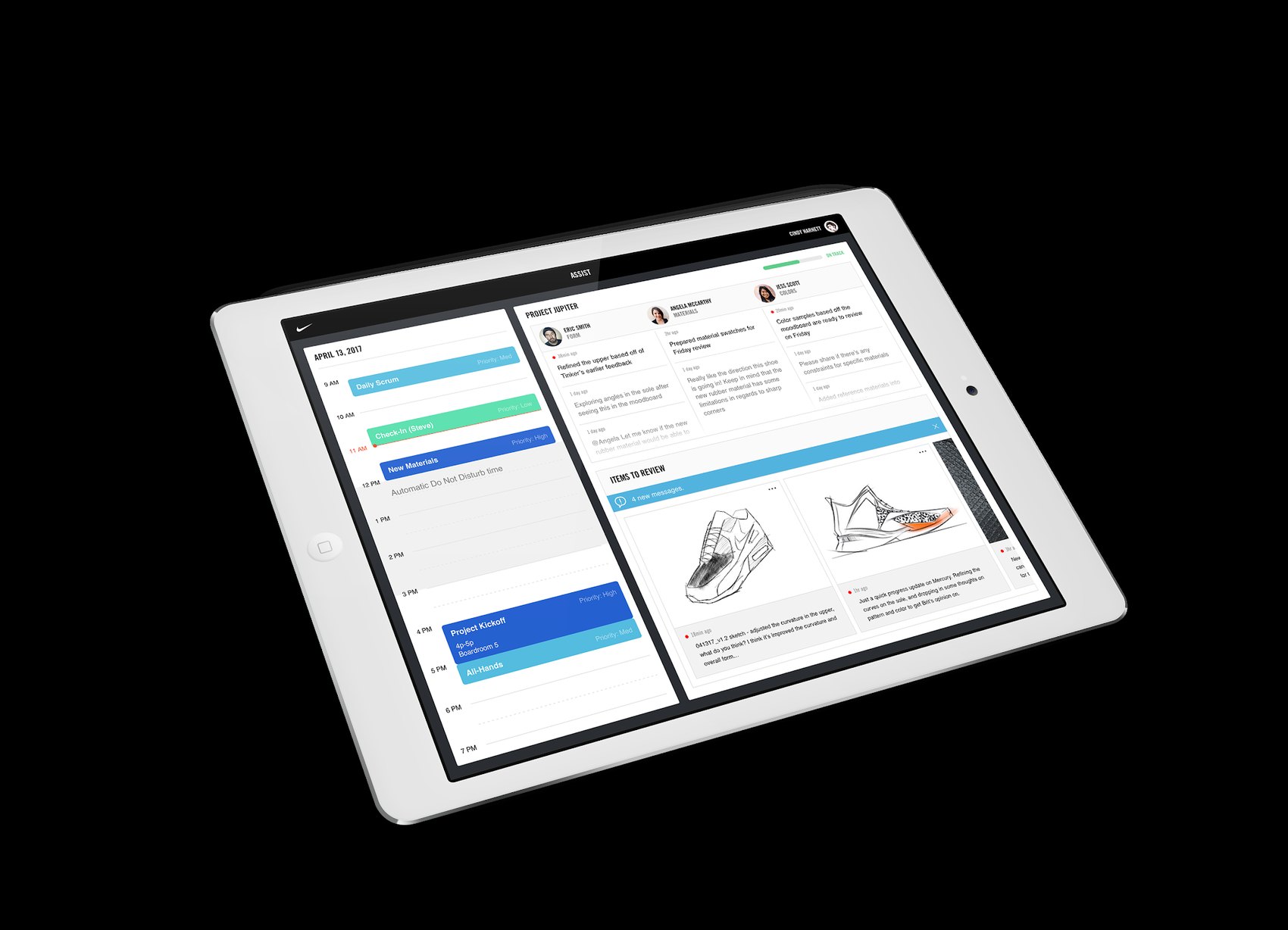
- Virtual assistantSchedules the day around how you work.
- Across teamsWork with teams across Nike, in one place.
- Pre-flight reviewsCatch issues before the review room.
- Digital feedbackGive, track and review it in one place.
From flat to form, early.
Frame is a mixed-reality tool. A design wraps around a holographic last that the designer can spin, walk around and revise as it floats in front of them, so form and structure are understood long before a sample exists.
Behind it, Frame derives shell patterns from the 3D form using known material behavior. When a pattern master edits one for production, Frame learns from the change, pulling control of the shoe back into the studio.
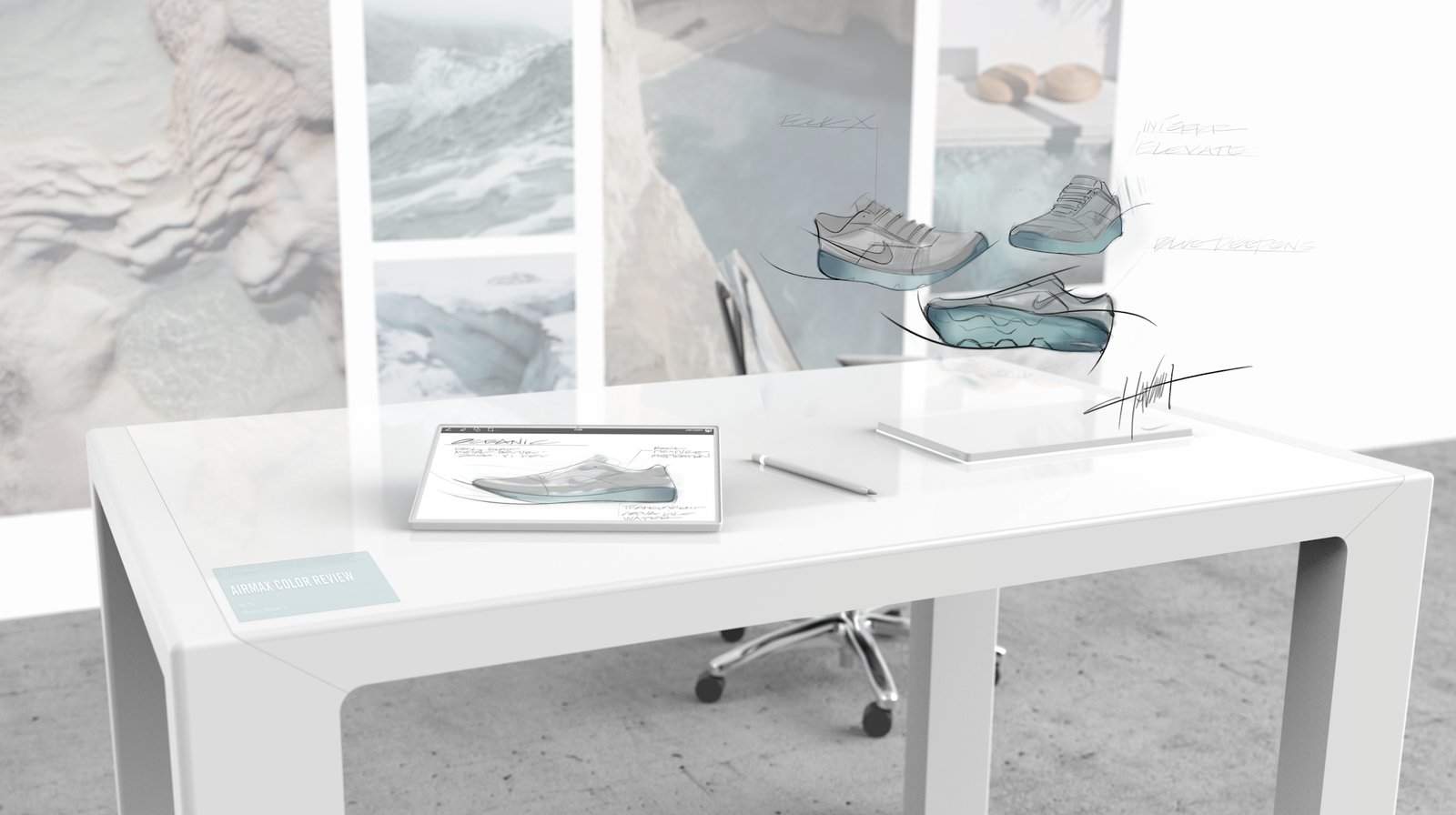
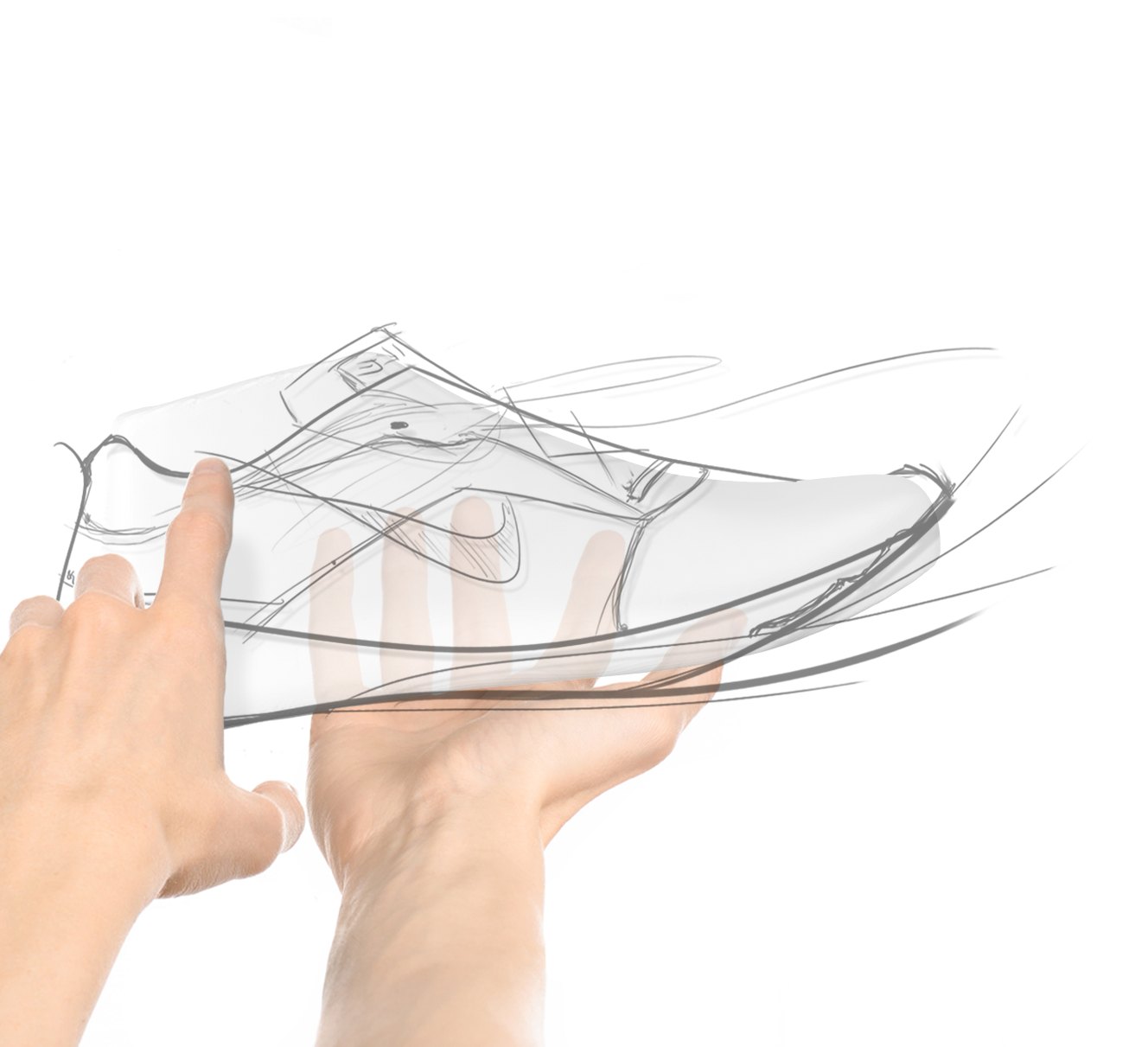
- Mixed realitySee the work in 3D, in a real space.
- Real-time changesRevise in space, see it on the product.
- Faster flatsMachine-made shell patterns from the form.
- Learns from productionEvery factory edit improves the next.
Time for designers. Leverage for Nike.
Not one launch. A sequence.
The tools were planned to arrive in sequence across the cycle, Muse first in 2018 and Frame last in 2022, each one building on the one before so the studio could grow into the capability instead of bracing against it.
The brief reads like a map now.
In 2017 most of this was speculative. Generated inspiration, suggestive sketching and image recognition were research demos, not studio tools.
The direction held. Today Nike runs a Design Generative Studio building AI workflows for its footwear designers, and the Nike app finds a shoe from a photo with Visual Search. The bet underneath it all has aged best: not tools that design for you, but tools that give creative people their time back.

“Monotony is not having enough time to design.”
A Nike designer, 2017
